

3MF Translator converts existing 3MF projects between slicers and printers. It is a standalone app and does not require HueForge. To export a HueForge project to 3MF, use the 3MF Export Plugin.
Additive Atom
3MF Translator
3MF Translator
3D Printing's Universal Translator
One purchase. Updates for one year from the date you buy. All twelve slicers.
HueForge 3MF Export Plugin owners save 10%: applied automatically at checkout.
Couldn't load pickup availability
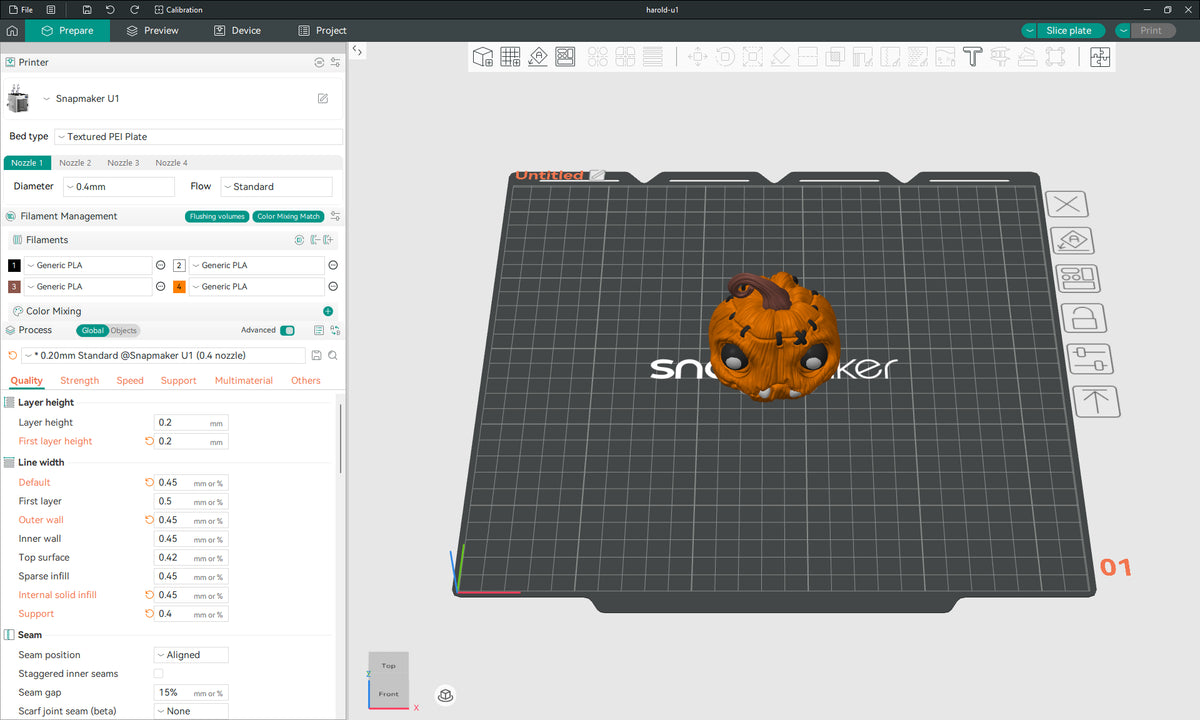
Found a project made for someone else's slicer and printer? Open the .3mf, pick your printers, and get a native project for each one, with the plates, filaments, colors and settings already in place.
What it does
- Native projects, not just meshes. Plates, objects and parts, filament assignments and colors, color changes, height range modifiers and your print settings come across in the target slicer's own format, with your printer's own presets in that slicer.
- Every printer you own, in one click. Save each printer once as a target, group them in tabs, and Translate makes a ready project for every target in the tab.
- Fits your filament slots. Reorder, merge and recolor the project's filaments to match your AMS, CFS, MMU or tool changer, and drop the ones the project never uses. Color changes follow.
- Plates that fit your bed. Translate every plate or only the ones you choose. Each printer warns you when a plate won't fit its bed, and Rotate 90° turns the plates when that makes them fit.
- See it before you translate. Every plate in 3D, in its filament colors with the color changes.
- Opens in the right slicer. Each finished project opens in the slicer you translated it for.
Twelve slicers, both ways
Bambu Studio, Orca Slicer, Snapmaker Orca, Creality Print, Anycubic Slicer Next, Elegoo Slicer, Flash Studio Desktop, QIDI Studio, PrusaSlicer, QIDISlicer, SuperSlicer and UltiMaker Cura. A project saved by any of them translates to any other. Slicers don't all have the same settings: when one has no match in the target, the target's preset keeps its value, and the app lists what it changed. Projects for UltiMaker Cura use Cura's stock materials, so filament colors don't carry over to Cura.
After you buy
The downloads for Windows, macOS and Linux are in your account on this store. Help and guides: support.3mftranslator.com.
Requirements
Requirements
Windows 10 and 11 (64-bit), macOS 12 or newer, or Linux. On Linux it runs on Ubuntu 22.04 or newer, or another distribution from 2022 on, and needs FUSE 2 (libfuse2 on Ubuntu).
The slicers you translate to must be installed on the same computer.
Updates and license
Updates and license
Your purchase includes every update released for one year from the date you buy. After that, the version you have keeps working for as long as you like: the license doesn't expire. To get newer versions, renew at a discount in this store, at any time. A renewal adds another year of updates, starting when your current year ends, or on the day you renew if it has already ended.
Install it on any number of computers that you or your household own or control. Personal and commercial use are both allowed, including preparing prints you sell and running a print farm.
Your files stay on your computer
Your files stay on your computer
3MF Translator runs on your computer and never uploads your projects. The only thing it sends is a check for updates and news when it starts, with the app's version and your operating system, and you can turn that off in Preferences.
Share